How to Transfer Binance to Newton: Avoid $20+ ETH Fees with XLM (2026)
Step-by-step guide to moving crypto from Binance to Newton using XLM or XRP. Avoid $20+ ETH fees and learn the critical memo/tag requirements that prevent lost funds.
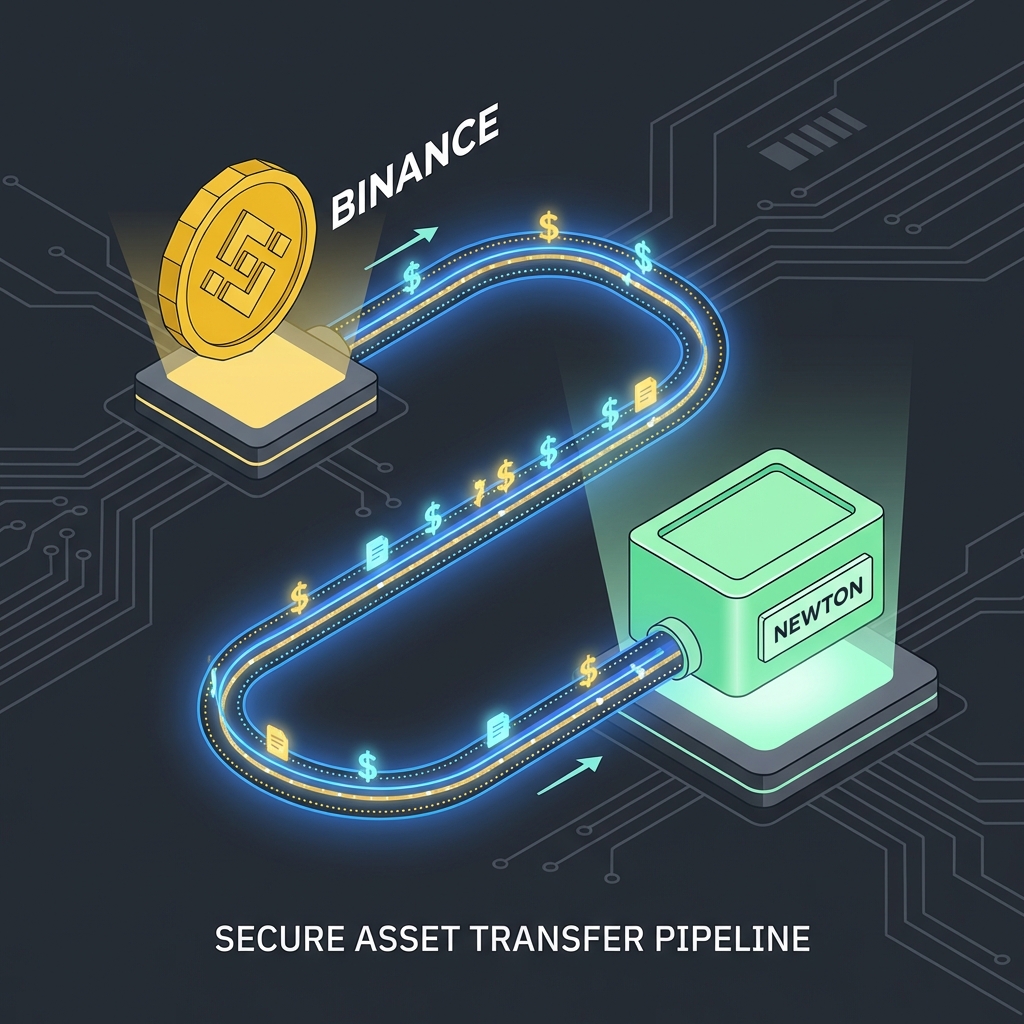
Use XLM (Stellar) or XRP to transfer from Binance to Newton for under $0.10 in fees. Sending ETH or BTC directly can cost $10-50 in network fees. The XLM/XRP method costs pennies and takes under 5 minutes.
This guide covers the exact steps, including the critical memo/tag requirement that prevents lost funds.
📊 Analyst Note
This transfer corridor exists because of Binance’s 2023 Ontario exit. After the OSC cracked down on unregistered crypto trading platforms, Binance stopped onboarding Canadian users and restricted services for existing accounts. Newton, as a registered Restricted Dealer with the OSC and FINTRAC, became the natural destination for Canadians needing to cash out legacy Binance holdings. The XLM bridge method I outline below is specifically designed for this regulatory migration—it minimizes fees while moving funds to a compliant Canadian platform.
Why use XLM or XRP instead of ETH or BTC?
Network fees vary dramatically between blockchains. Ethereum and Bitcoin fees fluctuate with network congestion and can spike to $20-50 during busy periods. Stellar (XLM) and Ripple (XRP) have fixed, minimal fees regardless of congestion.
| Coin | Typical Transfer Fee | Transfer Time |
|---|---|---|
| XLM (Stellar) | ~$0.01 | 3-5 seconds |
| XRP (Ripple) | ~$0.01 | 3-5 seconds |
| LTC (Litecoin) | ~$0.10 | 2-10 minutes |
| ETH (Ethereum) | $5-50 | 1-15 minutes |
| BTC (Bitcoin) | $5-30 | 10-60 minutes |
If you’re moving $500 from Binance to Newton, paying $30 in ETH fees means losing 6% before you even trade. Using XLM, you lose less than 0.01%.
Critical Warning: Newton does NOT support Binance’s BEP2 or BEP20 networks (supported networks). If you send crypto using these networks, your funds will be permanently lost. Always select the native network (Stellar for XLM, Ripple for XRP).
Step-by-step: Transfer XLM from Binance to Newton
Step 1: Get your Newton deposit address and memo
- Open the Newton app or website
- Go to your XLM (Stellar) wallet
- Tap Deposit
- Copy both:
- Your wallet address (starts with G…)
- Your Memo ID (a string of numbers)
Warning: You MUST copy the Memo ID. Newton uses a shared XLM address for all users.1 The Memo ID identifies your specific account. Without it, Newton cannot credit your deposit and your funds may be lost or delayed.
Step 2: Convert your crypto to XLM on Binance
If you’re holding USDT, ETH, or another coin:
- Go to Binance Trade -> Spot
- Search for the XLM trading pair (e.g., XLM/USDT)
- Sell your current coin for XLM
- Wait for the trade to complete
Step 3: Withdraw XLM from Binance
- Go to Wallet -> Fiat and Spot
- Find XLM and click Withdraw
- Select Network: Stellar
- Paste your Newton wallet address
- Enter the Memo ID from Newton (this is critical)
- Enter the amount (Binance minimum is typically 40 XLM)
- Complete security verification
- Confirm withdrawal
Step 4: Wait for arrival (usually under 5 minutes)
XLM transfers typically arrive within 3-5 seconds, but exchanges may take a few minutes to process. Check your Newton XLM balance.
Step 5: Sell XLM for CAD on Newton
- Once XLM arrives in Newton, go to your XLM wallet
- Tap Sell
- Convert to CAD
- Withdraw to your bank via free Interac e-Transfer2
Alternative: Using XRP instead of XLM
XRP works the same way but uses a “Destination Tag” instead of “Memo ID.” The process is identical:
- Get your Newton XRP address and Destination Tag
- Convert to XRP on Binance
- Withdraw using the Ripple network (not BEP20)
- Include the Destination Tag
- Sell for CAD on Newton
Both XLM and XRP cost about the same and transfer in seconds. Use whichever you’re more comfortable with.
Warning: What happens if you forget the Memo/Tag? (Read this first)
Your funds will be stuck in Newton’s shared wallet, not credited to your account. You’ll need to contact Newton Customer Success with:
- Transaction ID (from Binance)
- Amount sent
- Date and time of transfer
- Your Newton account email
Newton may be able to manually recover the funds, but this process can take days or weeks. Some platforms charge recovery fees. Always double-check the memo/tag before sending.
Common mistakes to avoid
Mistake 1: Using the wrong network
Binance offers multiple networks for the same coin. For XLM, you might see:
- Stellar ✓ (use this one)
- BEP20 ✗ (do NOT use - funds will be lost)
For XRP:
- Ripple ✓ (use this one)
- BEP20 ✗ (do NOT use - funds will be lost)
Newton does not support BEP2 or BEP20 deposits. Always select the native network.
Mistake 2: Forgetting the memo/destination tag
This is the most common mistake. Newton uses shared wallet addresses, so the memo/tag is how they identify your deposit. Without it, your funds go to Newton but not to your account.
Mistake 3: Sending below minimum
Binance has minimum withdrawal amounts:
- XLM: ~40 XLM minimum
- XRP: ~20 XRP minimum
If your balance is below the minimum, you’ll need to buy more or use a different coin.
Mistake 4: Not doing a test transaction first
If you’re moving a significant amount, send a small test transaction first (the minimum amount). Once it arrives successfully, send the rest. The small fee is worth the peace of mind.
Cost comparison: The full picture
Let’s compare moving $1,000 from Binance to your Canadian bank account:
Method 1: Direct ETH transfer
| Step | Cost |
|---|---|
| Binance ETH withdrawal | ~$15-30 |
| Newton spread (~1.1%) | ~$11 |
| Newton CAD withdrawal | Free |
| Total cost | ~$26-41 |
Method 2: XLM transfer (recommended)
| Step | Cost |
|---|---|
| Binance XLM withdrawal | ~$0.01 |
| Newton spread (~1.35% for XLM) | ~$13.50 |
| Newton CAD withdrawal | Free |
| Total cost | ~$13.51 |
The XLM method saves you $12-27 on a single $1,000 transfer. New Newton accounts can also claim a $25 Newton bonus on their first $100 trade, which effectively rebates the spread on the XLM-method total.
Why Canadians are moving from Binance to Newton
Binance has faced regulatory restrictions in Canada, particularly in Ontario. Many Canadian users have legacy Binance funds they need to move to a regulated platform. Newton is:
- Registered with FINTRAC and the OSC
- Offers free CAD withdrawals via Interac e-Transfer
- Supports 70+ cryptocurrencies
- Based in Toronto
The XLM/XRP bridge method is the cheapest way to migrate your funds.
Related Pages
- Newton vs Shakepay: Fee Comparison
- Newton Fees Explained
- Forgot Your Newton Referral Code?
- Is Newton Safe?
- Newton referral code
Footnotes
Newton uses shared wallet addresses for XLM and XRP requiring memo/destination tag: https://help.newton.co/hc/en-us/articles/360052521873-How-do-I-deposit-cryptocurrency ↩
Newton free CAD withdrawals via Interac e-Transfer: https://help.newton.co/hc/en-us/articles/360052371793-What-are-Newton-s-Fees ↩
Frequently Asked Questions
What's the cheapest way to transfer from Binance to Newton?
Use XLM (Stellar) or XRP. Both cost under $0.10 in network fees compared to $10-50 for ETH or BTC. Convert your holdings to XLM on Binance, then transfer to Newton.
Does Newton require a memo for XLM deposits?
Yes, the Memo ID is required. Newton uses a shared XLM address for all users. Without the memo, your deposit cannot be credited to your account and may be lost.
What network should I use to send XLM to Newton?
Use the Stellar network only. Newton does not support BEP2 or BEP20 (Binance Chain). Sending via the wrong network will result in permanent loss of funds.
How long does a Binance to Newton transfer take?
XLM and XRP transfers typically arrive in under 5 minutes. The blockchain transaction takes seconds, but exchanges may have processing delays.
What if I forgot to include the memo?
Contact Newton Customer Success immediately with your transaction ID, amount, date, and account email. They may be able to manually recover the funds, but it can take days or weeks.
- transfer binance to newton
- binance to newton canada
- newton xlm memo
- newton xrp destination tag
- cheapest way withdraw binance canadian bank

About the Author
Alex Vance — Crypto Contributor
Alex helps Canadians discover the benefits of trading cryptocurrency with Newton. With a focus on accurate, up-to-date information about referral bonuses and crypto tips, Alex is committed to helping readers make informed decisions on their crypto journey.