Newton Error Codes: How to Fix SD0001, Login Issues, and Withdrawal Problems (2026)
Complete troubleshooting guide for Newton crypto errors including SD0001, S0001, verification delays, e-transfer issues, and 2FA problems. Step-by-step fixes for every common issue.
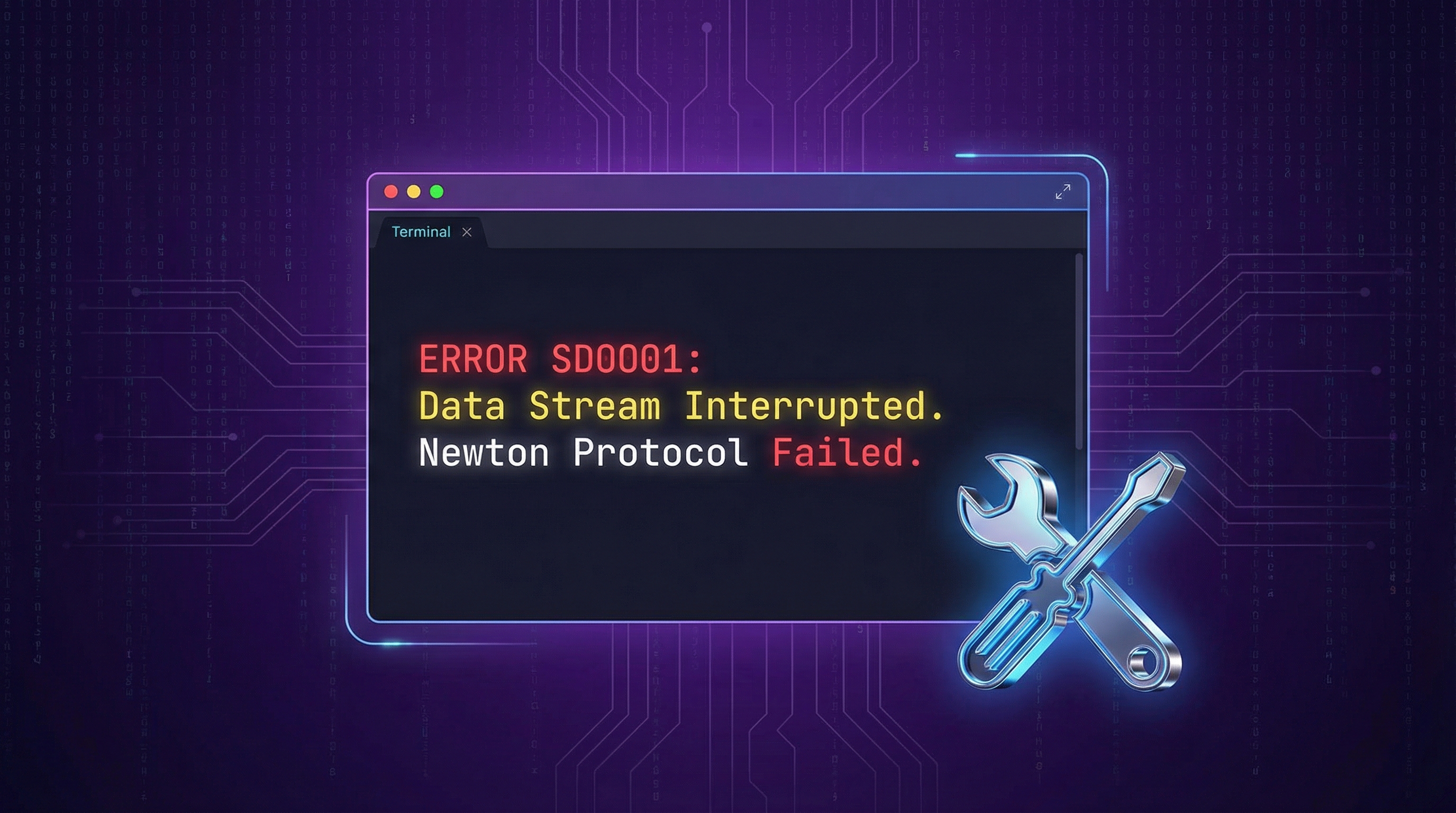
Most Newton errors have simple fixes. Error SD0001 usually means you need to disable your VPN or switch networks. “Withdrawals temporarily disabled” (S0001) typically resolves within 24 hours. Verification delays happen when your ID photo is blurry or your name doesn’t match exactly.
This guide covers every common Newton error with step-by-step solutions so you can get back to trading.
Quick Reference: Newton Error Codes and Fixes
| Error | Meaning | Quick Fix |
|---|---|---|
| SD0001 | Connection failed | Disable VPN, switch WiFi/mobile data |
| S0001 | Withdrawals disabled | Check status page, wait 24h |
| ”Unable to Authenticate” | Session expired | Force close app, re-login |
| Verification Pending | Manual review | Check email, resubmit clear ID photo |
| 2FA Invalid | Code not working | Contact support for reset |
| E-Transfer Delay | Deposit not arrived | Check bank limits, wait 30 min |
How do I fix Newton error SD0001? (Why it happens + quick fix)
Error SD0001 means Newton’s servers couldn’t complete the connection handshake with your device. This is almost always caused by VPN usage, unstable internet, or your device switching between WiFi and mobile data during login.
Step-by-step fix:
Disable any VPN. Newton’s security systems block non-residential IP addresses to prevent fraud. Turn off your VPN completely before logging in.
Force close the app. On iPhone: swipe up from bottom, swipe Newton away. On Android: tap Recent Apps, swipe Newton closed.
Switch networks. If you’re on WiFi, switch to mobile data (or vice versa). This resets your connection.
Try the web app. Go to web.newton.co instead of the mobile app. The web version sometimes works when the app doesn’t.
Reinstall the app. If nothing else works, delete and reinstall Newton from the App Store or Google Play.
Tip: If you’re traveling or using hotel/airport WiFi, that network might be flagged as suspicious. Switch to your phone’s mobile data to log in.
From Experience
I personally encountered error SD0001 while traveling in Mexico. Turning off my VPN solved it instantly. Newton’s firewall blocks non-Canadian IPs aggressively—it’s a security feature, not a bug. If you’re abroad, mobile data roaming through your Canadian carrier sometimes works better than local WiFi.
Still seeing SD0001? The error might be on Newton’s end. Check status.newton.co for any ongoing issues. If the status page shows problems, wait for Newton to resolve them.
What does “Withdrawals temporarily disabled” (S0001) mean?
Error S0001 means Newton has temporarily paused withdrawals, either for your account specifically or platform-wide. This can happen during:
- Scheduled maintenance
- Security reviews on your account
- Platform-wide issues with Newton’s custodian
How to check if it’s platform-wide:
- Visit status.newton.co
- Look for any red or yellow indicators on “Crypto Withdrawals”
- Check Newton’s Twitter/X for announcements
If the status page shows everything operational:
Your account specifically might be under review. This can happen if:
- You’re withdrawing to a new address for the first time
- You’ve made unusually large transactions
- Newton’s fraud detection flagged something
What to do:
- Wait 24 hours. Most account reviews resolve automatically
- Check your email for any messages from Newton
- Contact support via the in-app chat if it persists beyond 24 hours
Note: Newton is required by FINTRAC to review certain transactions. If your withdrawal is flagged for compliance review, it’s not a bug. It’s regulatory compliance. These reviews typically complete within 24 hours.
Why is my Newton verification stuck on “pending”?
Verification delays happen when Newton’s automated system can’t verify your ID and sends it for manual review. Common causes:
- Blurry photo: The ID image isn’t clear enough to read
- Name mismatch: Your ID name doesn’t match your account name exactly
- Glare on the ID: Light reflecting off the card obscures text
- Cropped corners: All 4 corners of your ID must be visible
- Wrong document: You uploaded something other than a government-issued ID
Typical verification timeframes:
| Scenario | Expected Time |
|---|---|
| Automated verification (most users) | Instant to 30 seconds |
| Manual review (standard) | Up to 48 hours |
| Manual review (complex cases) | 3-5 business days |
| Stuck in queue (rare) | Contact support |
How to fix verification issues:
- Check your email. Newton may have sent a request for additional documents
- Retake your ID photo following these tips:
- Place ID on a dark, plain surface (not your hand)
- Ensure all 4 corners are visible
- No glare. Avoid direct lighting
- Hold your phone steady
- Make sure names match exactly. If your ID says “Robert” but you signed up as “Bob,” contact support
Warning: If you’ve been waiting more than 48 hours with no email from Newton, contact support via the in-app help chat. Don’t create a new account. This will make things worse.
Once verification clears, you have a 7-day window to claim your Newton bonus by adding the referral code from our homepage to your account.
How do I fix Newton 2FA or login problems?
2FA issues are common after switching phones, updating your device, or when the authenticator app loses sync.
“Invalid code” when entering 2FA:
Check the time on your phone. Authenticator apps use time-based codes. If your phone’s clock is wrong by even 30 seconds, codes won’t work. Enable automatic time sync in your settings.
Use the correct account. If you have multiple Newton accounts in your authenticator app, make sure you’re using the right one.
Don’t switch apps mid-login. Some users report being logged out when switching to their authenticator app. Copy the code quickly and switch back.
Lost access to 2FA entirely:
- Open newton.co/support
- Select “I can’t access my account”
- Submit a ticket requesting 2FA reset
- You’ll need to verify your identity again
Newton’s support team typically responds within 24-48 hours for 2FA reset requests. Have your ID ready for re-verification.
Why is my e-Transfer deposit delayed?
Newton advertises 5-30 minute e-Transfer deposits, but delays can happen due to your bank or Newton’s payment processor.
First, check the basics:
Did you complete the deposit request? Newton sends you an email with a “Request Money” link. You must click it and approve the transfer in your banking app.
Check your bank’s limits. Some banks have daily e-Transfer limits ($2,000-$3,000). If you hit the limit, the transfer may fail silently.
Is your bank blocking crypto transfers? Certain banks (especially Desjardins) sometimes block transfers to crypto platforms. You may need to call your bank to whitelist Newton.
If you approved the transfer but funds haven’t arrived:
| Time Elapsed | What to Do |
|---|---|
| Under 30 minutes | Wait. This is normal |
| 30 min to 2 hours | Check status.newton.co for e-Transfer issues |
| 2+ hours | Contact Newton support with your transaction ID |
| 24+ hours | Escalate via in-app chat |
How do I check if Newton is down?
Reality Check
Before rewriting your WiFi settings or reinstalling the app, check status.newton.co first. In my experience, a significant percentage of login errors are actually system-wide maintenance, not user error. You can save yourself a lot of frustration by ruling out Newton’s end first.
Before troubleshooting any issue, check Newton’s official status page at status.newton.co.
The status page shows real-time health for:
- Trading (buying/selling crypto)
- E-Transfers (deposits and withdrawals)
- Crypto deposits
- Crypto withdrawals
- Staking
Other places to check:
- Newton’s Twitter/X: Real-time updates during outages
- r/newtonco on Reddit: User reports of issues
Tip: If Newton is experiencing a platform-wide issue, there’s nothing you can do but wait. Repeatedly trying to login or submit transactions can actually make things worse by adding load to their systems.
How do I contact Newton support?
The fastest way to reach Newton support is through the in-app help chat.
- Open the Newton app
- Tap your profile icon (top right)
- Tap Help -> Contact Us
- Select your issue category
- Start a chat
Alternative contact methods:
- Email: support@newton.co
- In-app ticket submission
Response times:
- In-app chat: Usually same-day during business hours
- Email: 24-48 hours
- Complex issues: 3-5 business days
Related Pages
Frequently Asked Questions
What is Newton error SD0001?
SD0001 is a connection error, usually caused by VPN usage or unstable internet. Fix it by disabling your VPN, force closing the app, and switching between WiFi and mobile data.
Why are my Newton withdrawals disabled?
Withdrawals can be disabled during maintenance, security reviews, or platform-wide issues. Check status.newton.co first. If the status page shows everything operational, your account may be under compliance review. Wait 24 hours or contact support.
How long does Newton verification take?
Most users are verified instantly. If your verification goes to manual review, expect 24-48 hours. Complex cases can take 3-5 business days. Check your email for any requests from Newton.
Why is my Newton e-Transfer taking so long?
E-Transfers typically arrive in 5-30 minutes. Delays can be caused by your bank, Interac maintenance, or Newton's payment processor. If it's been over 2 hours, contact support with your transaction details.
How do I reset my Newton 2FA?
Contact Newton support via the in-app help or email support@newton.co. You'll need to verify your identity again. The process typically takes 24-48 hours.
- newton error SD0001
- newton login issues
- newton withdrawals temporarily disabled
- newton verification pending
- newton e-transfer delay

About the Author
Alex Vance — Crypto Contributor
Alex helps Canadians discover the benefits of trading cryptocurrency with Newton. With a focus on accurate, up-to-date information about referral bonuses and crypto tips, Alex is committed to helping readers make informed decisions on their crypto journey.